Providers
Last updated: November 17, 2025
Cloud Providers
OpenAI, Anthropic, Google providers
Custom OpenAI-compatible providers
Specialized AI services
How to Add a Custom Provider
Go to Settings and select Cloud Providers.
Scroll to the bottom of the provider list and click Add Custom Provider.
Fill in the provider details: ID, Name, API Key, and Base URL.
Click Add Provider.
Local Providers
Local Providers support local installation of LLMs that run on your computer. These models use your computer's hardware resources to generate responses. You can use them to chat with the AI models without any internet connection. Ollama is the only local provider supported by RabbitHoles for now. Since Ollama is running on your computer, it is more private and secure than cloud providers. They're also free to use.
Note: You need to have a good internet connection to download the models from the Ollama website, and also have enough disk space to store the models on your computer. In addition, you need to have a good CPU, GPU, and RAM to run the models on your computer.
The speed of the local LLM's output is dependent on your computer's hardware
Setting Up Ollama
Install & Run Ollama:
Download the Ollama app from ollama.com and follow the installation instructions to setup and run Ollama on your computer.
Download Ollama Models:
You can get the model IDs from the ollama website ollama.com for your desired model.
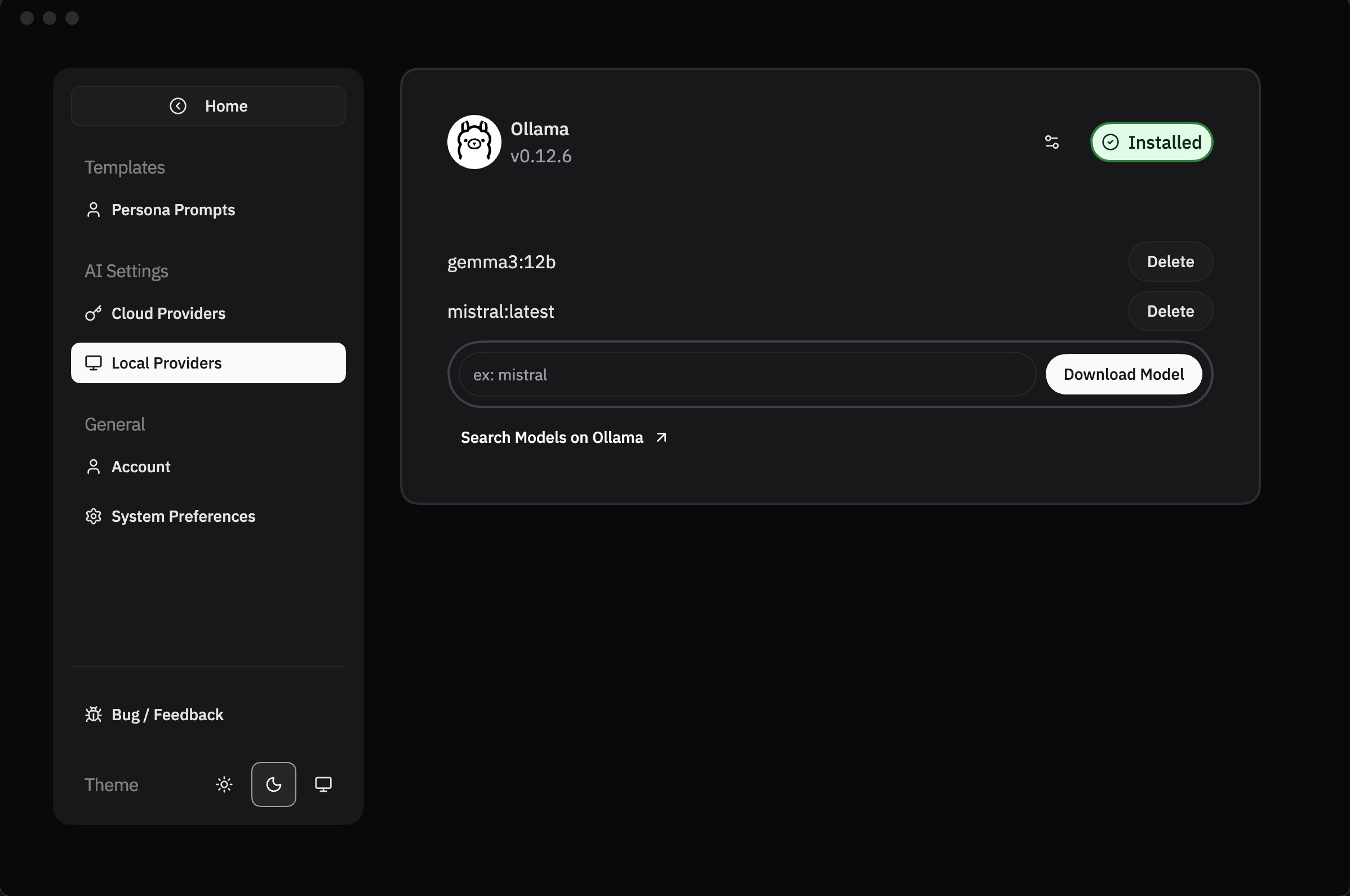
Navigate to the Settings > Local Providers > Paste the Model ID (e.g. gemma3:3b) and click Download Model. Wait for the model to be downloaded. Once downloaded, you can see the model in the list. These models are available for use in RabbitHoles.
Troubleshooting:
Verify Ollama is running at http://localhost:11434
Check your firewall settings
Restart Ollama if needed